Important: Web Platform Update
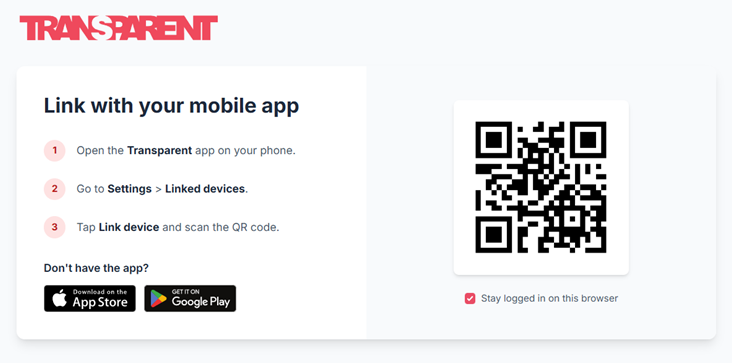
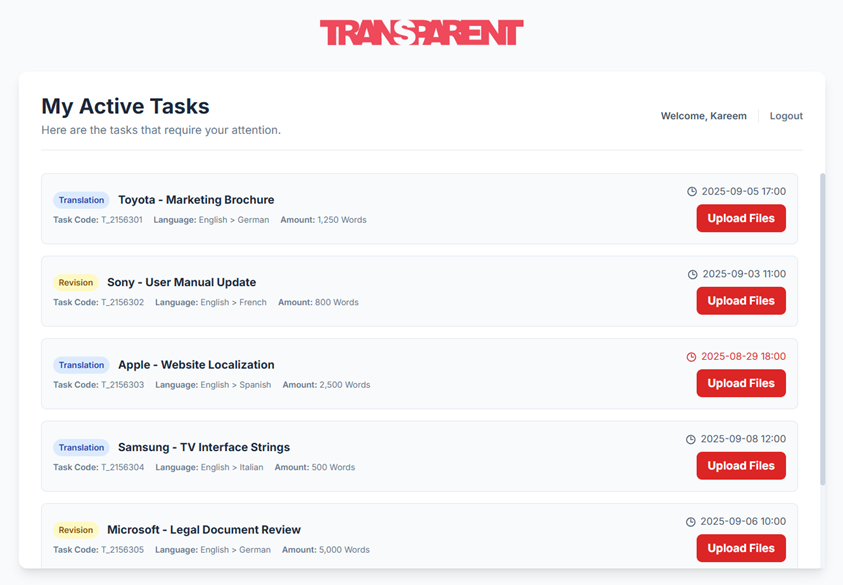
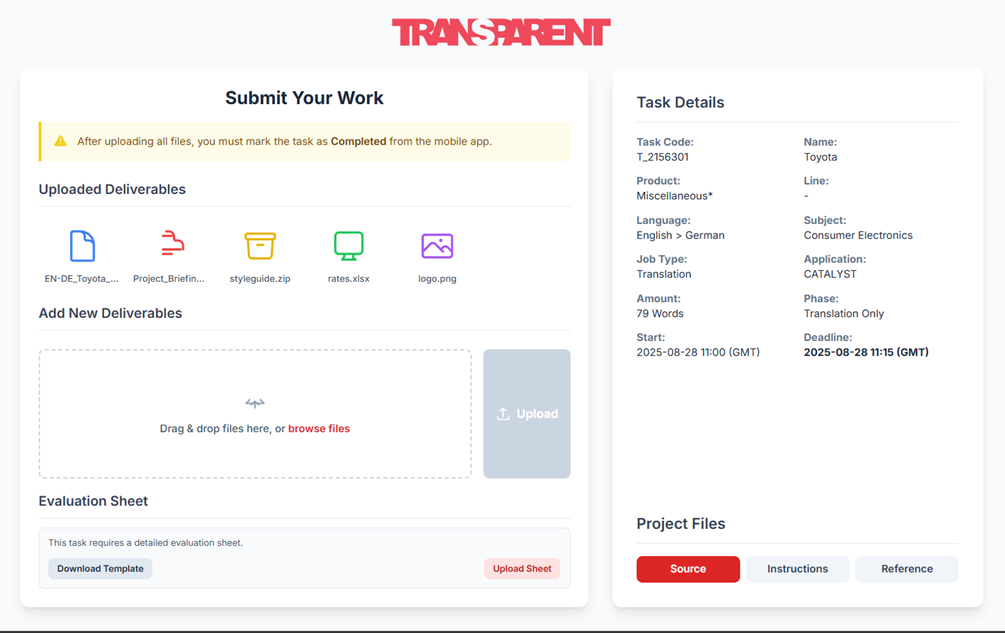
The Transparent web platform is now exclusively available for active tasks (downloading and uploading task files via our newly designed page). All other activities must be managed through the mobile app. Please follow the instructions below to link your account.
Link with your mobile app
- 1 Open the Transparent app on your phone.
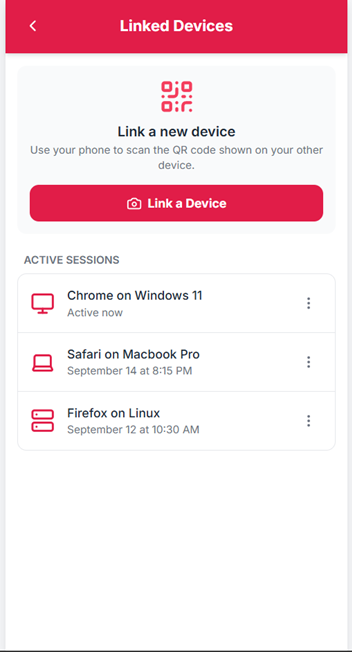
- 2 Go to Settings > Linked devices.
- 3 Tap Link device and scan the QR code.
Don't have the app?